All your files, in one library
Recent documents, favorites and every PDF, Word, Excel and PowerPoint file — sorted by type.
 PDF
 Word
 Excel
 PowerPoint
Real editing for PDF, Word, Excel and PowerPoint — plus scan, sign, convert and organize. One app for iPhone, iPad and Android.


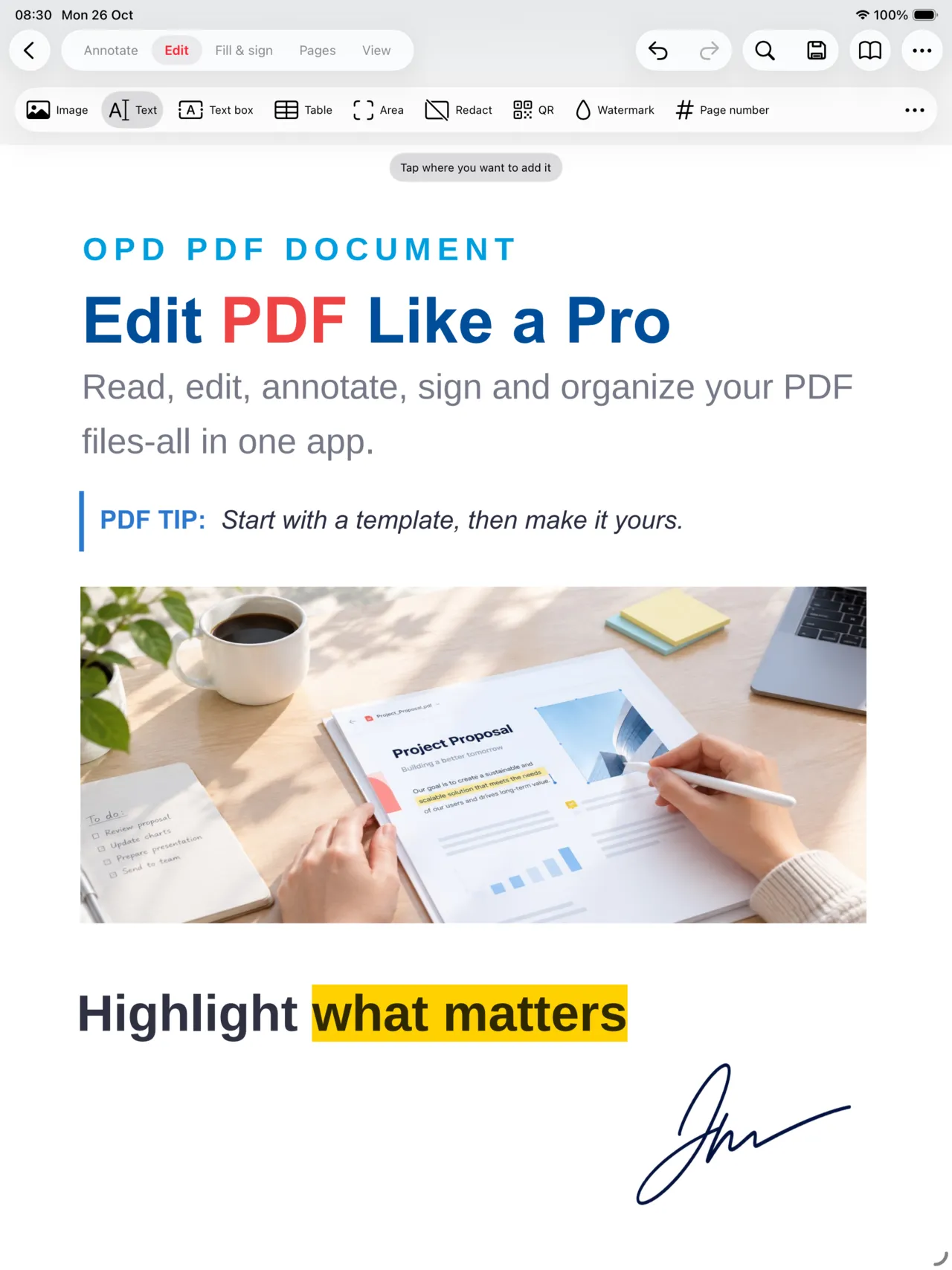
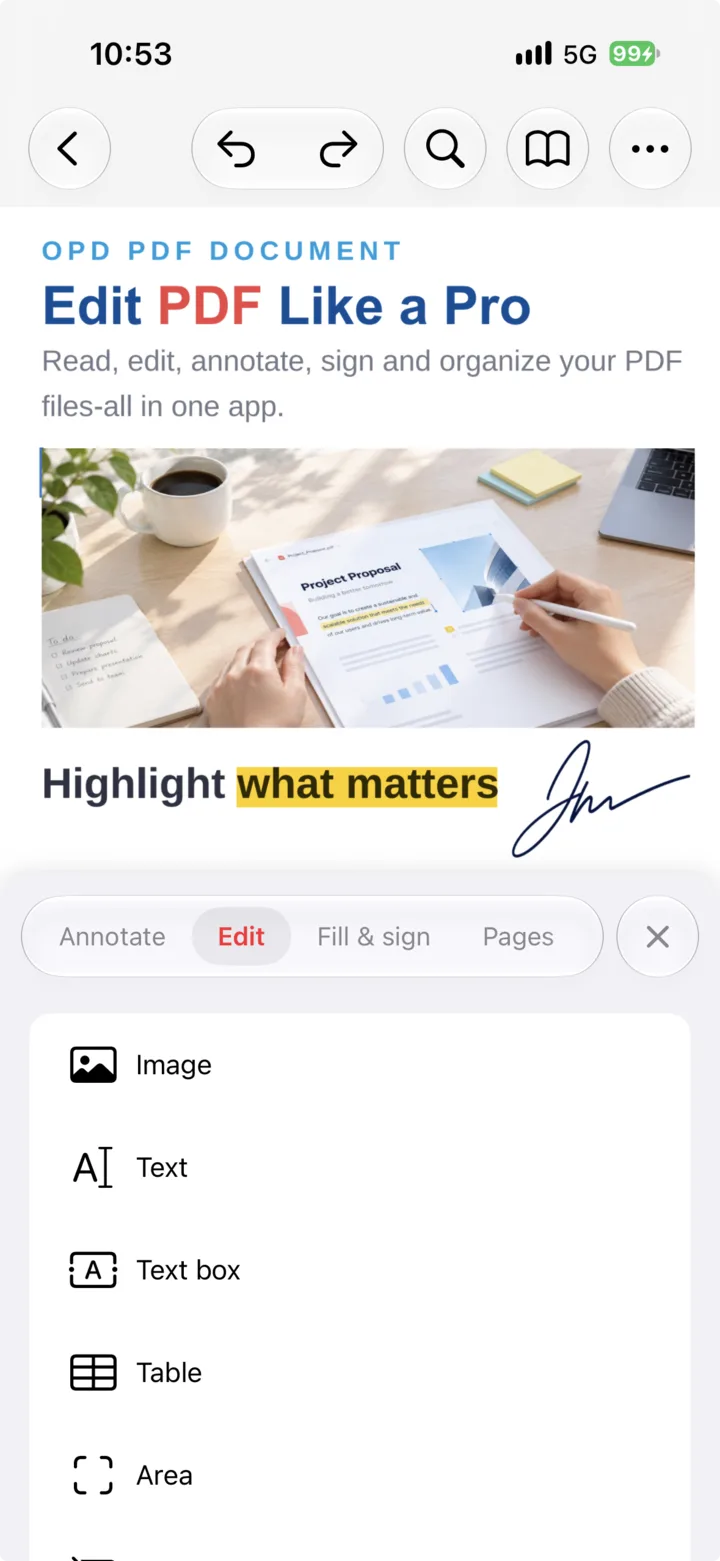
The core of OPD Office
From a quick fix to the final version — with the formats you already use.
Review a document, update its content or add your signature. Move the paperwork forward, right where you are.
Editing depends on the source PDF and its permissions.
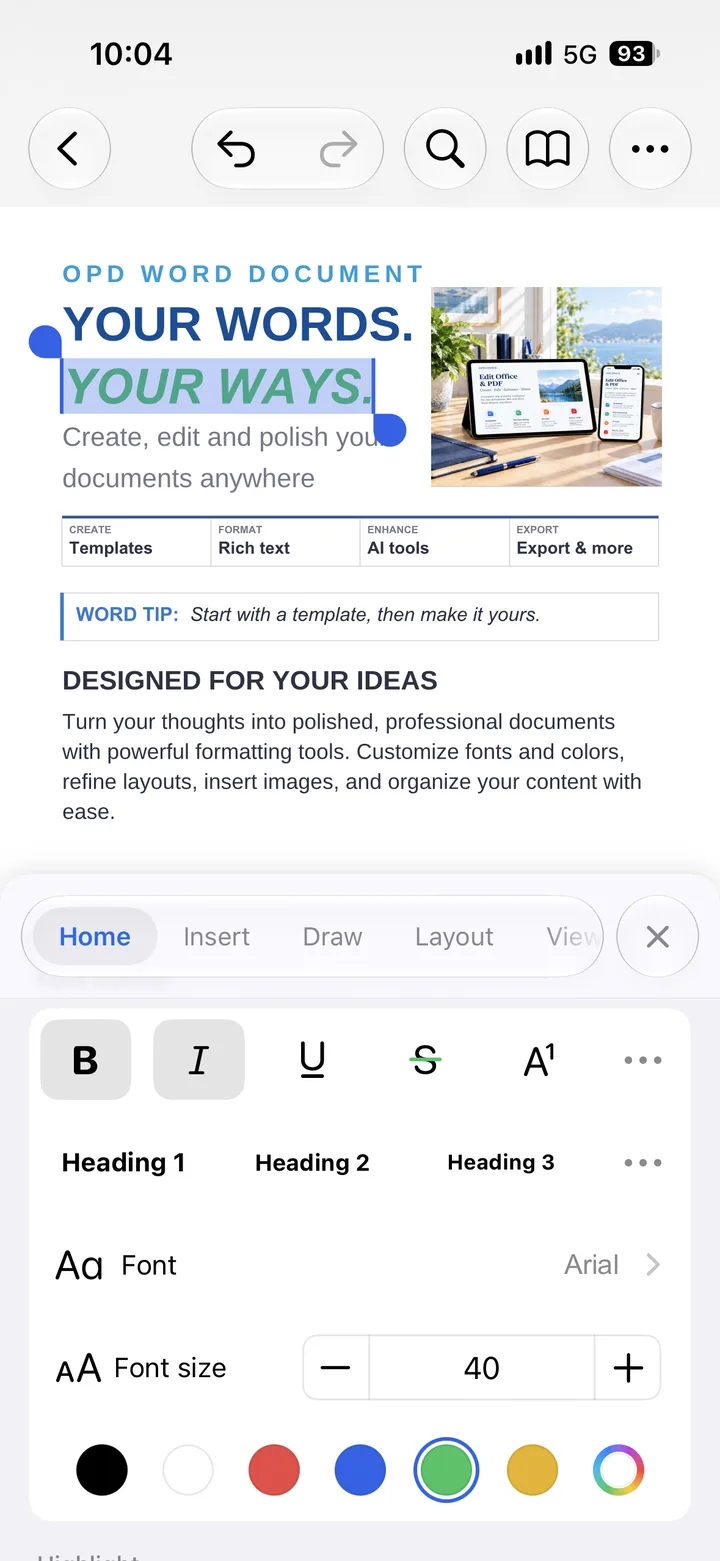
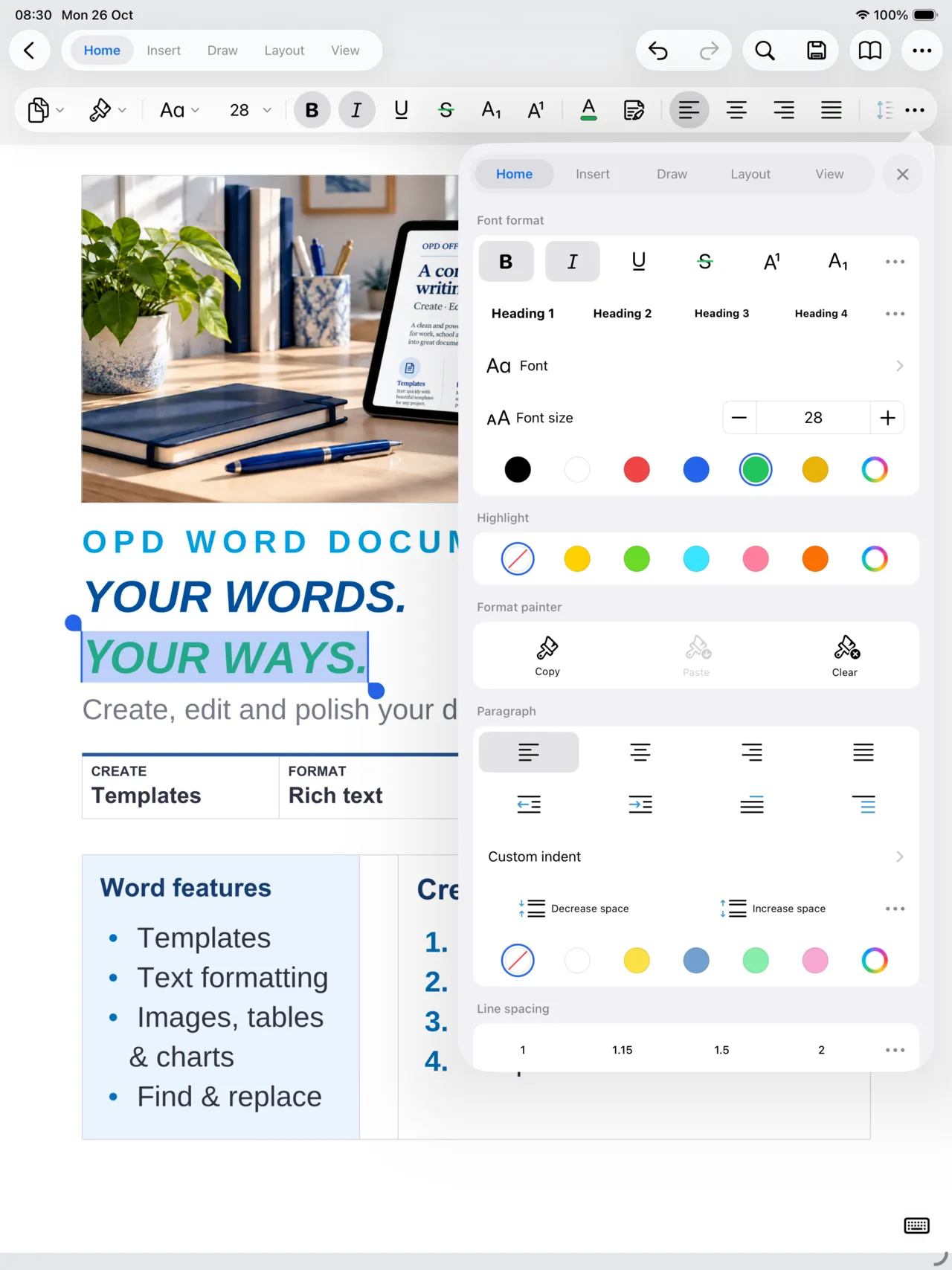
.doc.docx
Start a document, shape your ideas and polish the details. Your next chapter doesn’t need to wait for a desk.
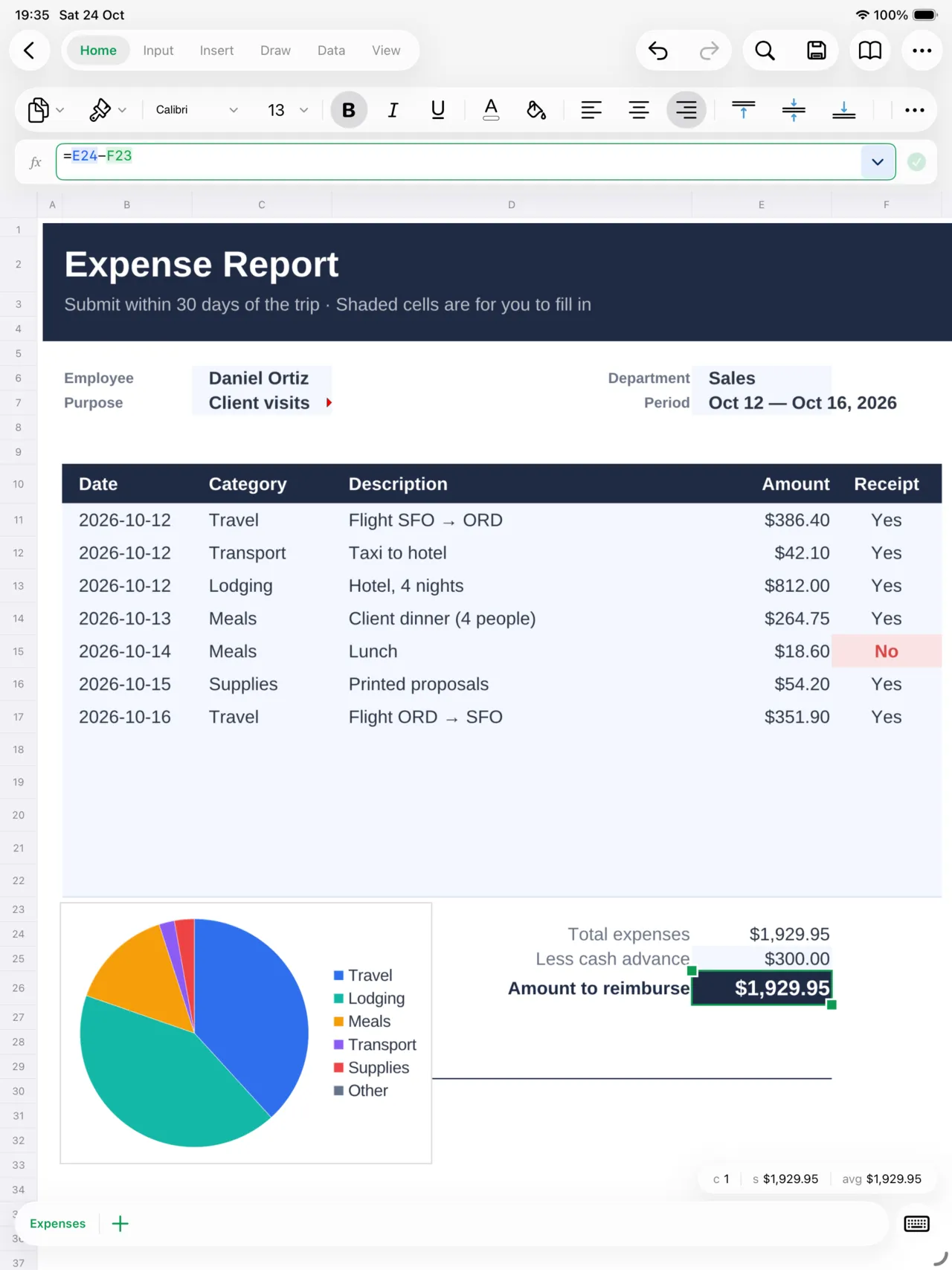
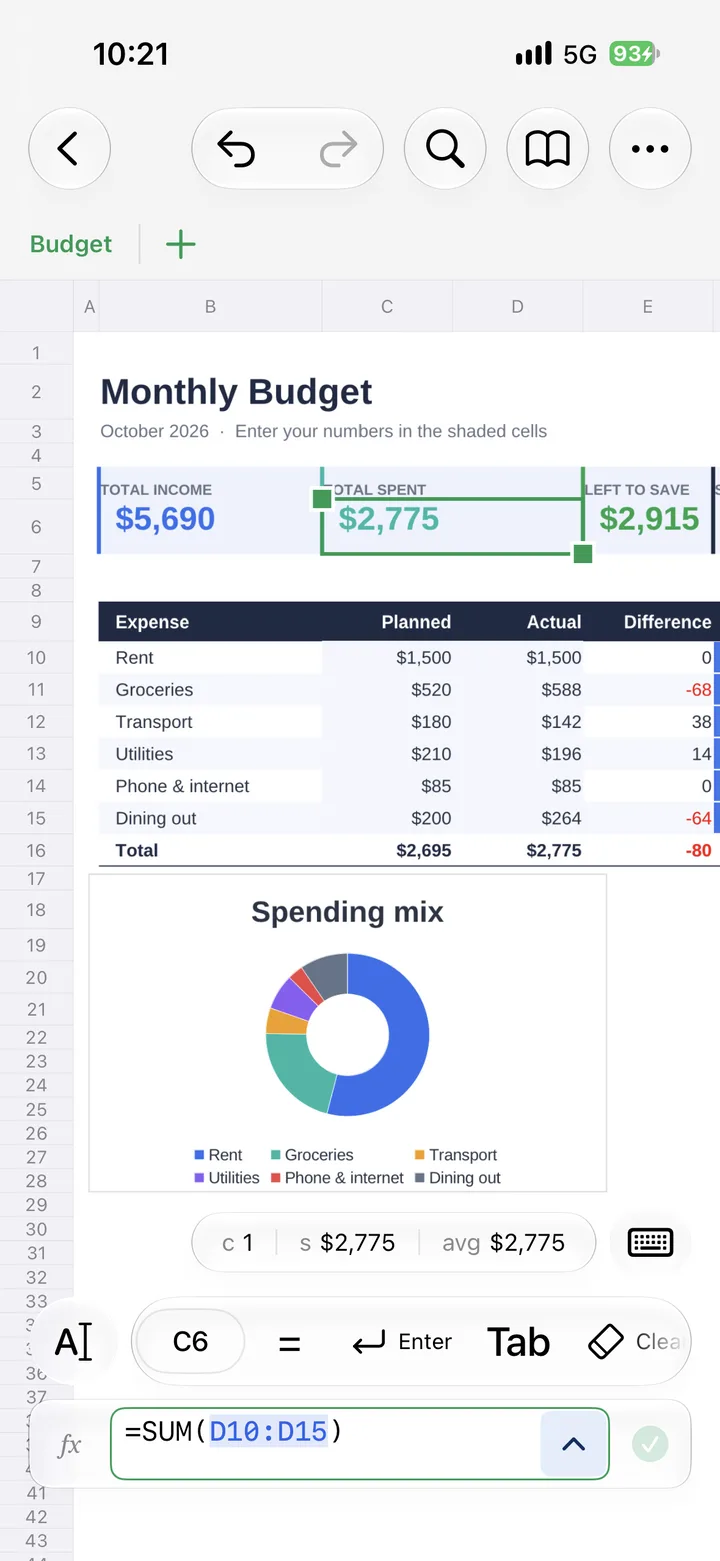
.xls.xlsx
Update your budget or work through the numbers. Keep your spreadsheets moving along with your day.
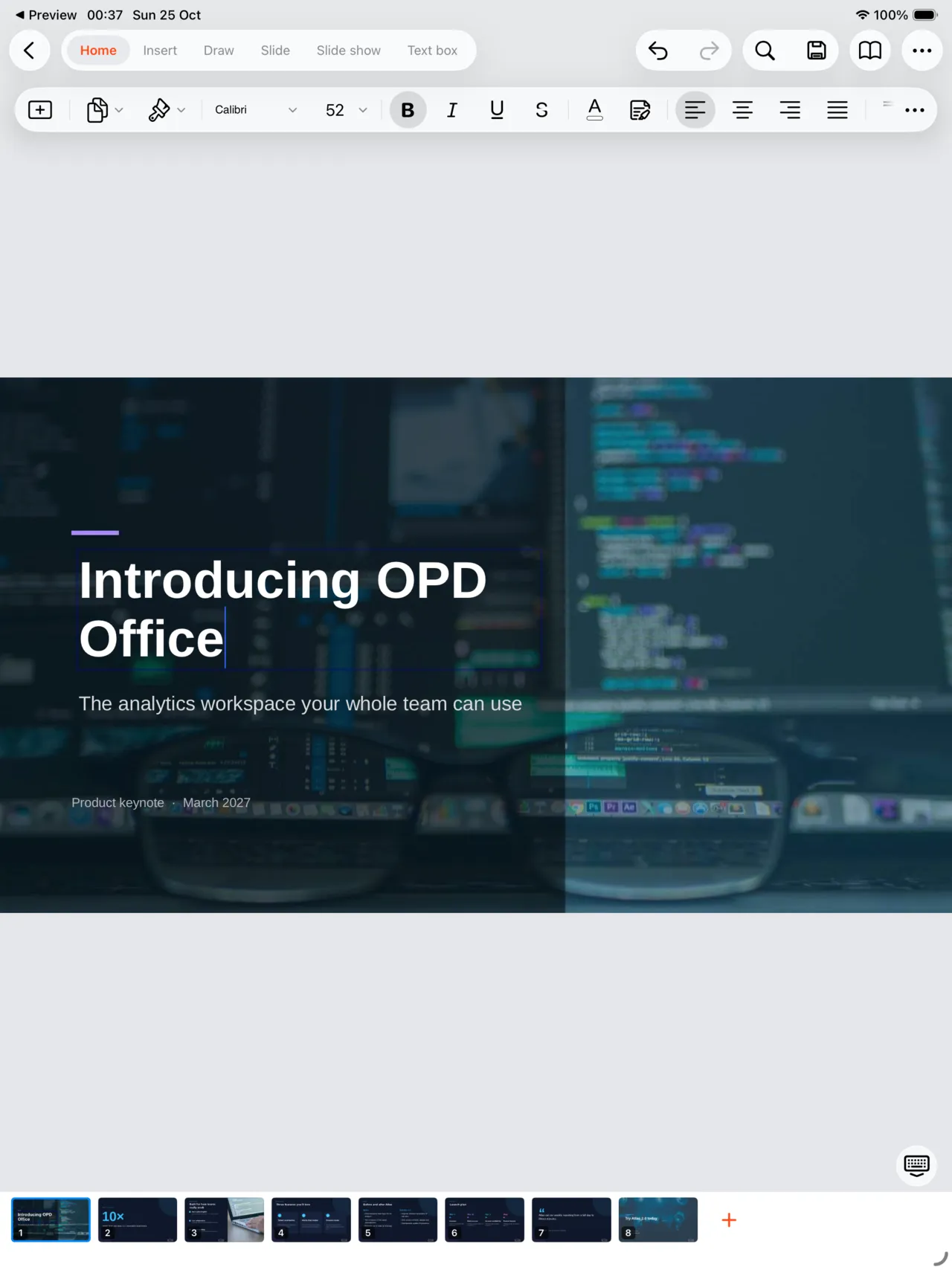
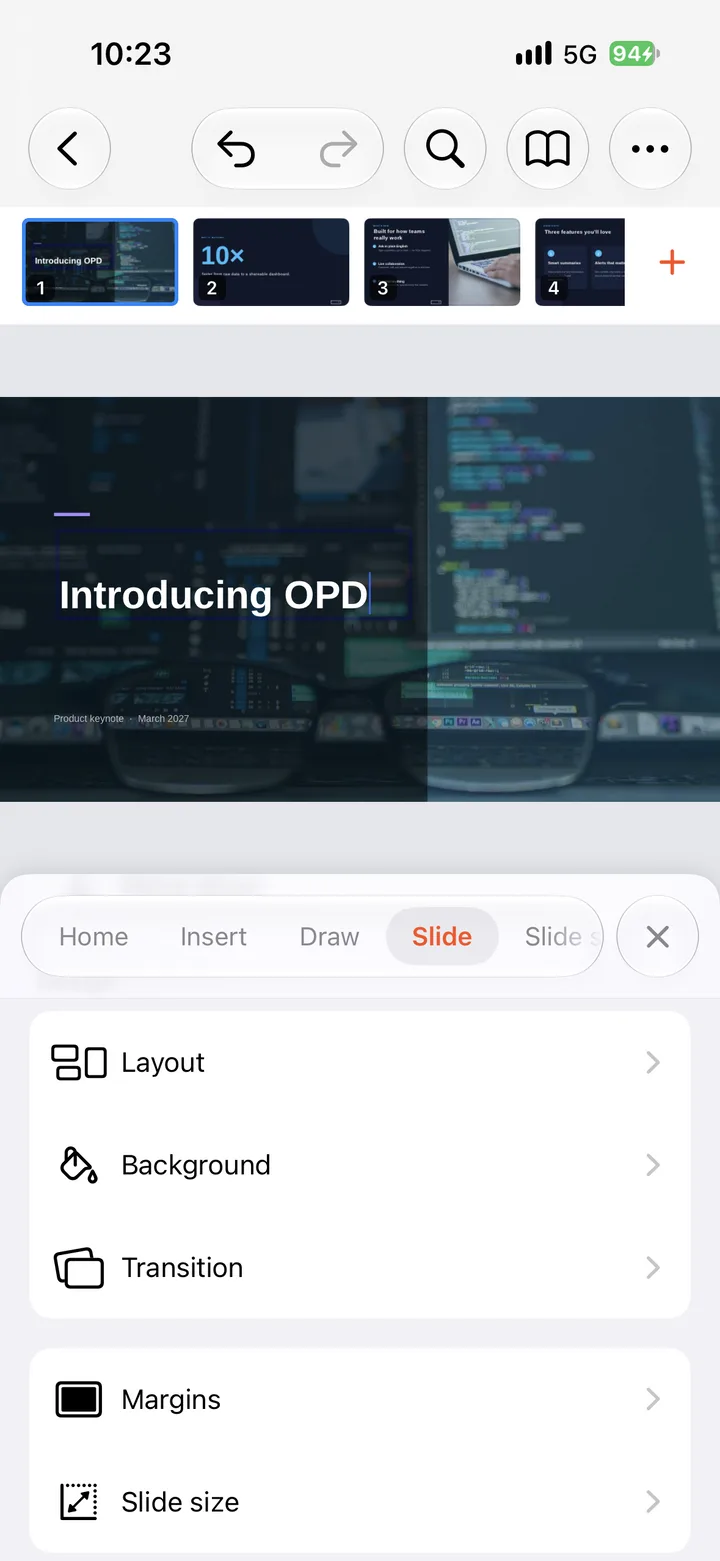
.ppt.pptx
Refine a slide, rework the layout and bring the important details into focus.
Actual iPhone and iPad app screens · Sample documents
Beyond the editor
Everything around your documents lives in the same place as the documents themselves.
Recent documents, favorites and every PDF, Word, Excel and PowerPoint file — sorted by type.
Pick files from your library and turn them into one PDF.
Turn paper into a clean PDF with your camera.
Draw your signature once, place it on any page.
Pull text out of scans and translate it into another language.
Your files, connected
Find recent documents, keep favorites close and connect the cloud services you use. Every connection is optional.
Tools
Create, convert, organize and extract — without switching apps.
Showing 12 tools
Turn paper into a clean PDF with your camera.
Start a new PDF, Word, Excel or PowerPoint file.
Turn Word, Excel and PowerPoint files into PDF.
Reuse PDF content in Word, Excel or PowerPoint.
Make a PDF from photos, or save pages as images.
Combine files into one PDF, or split one apart.
Make files smaller and easier to share.
Reorder, rotate and number your pages.
Mark documents with text or an image.
Add your signature in a few taps.
Pull text and images out of scans and documents.
Translate document text into another language.
No matching tools. Try another search or category.
Tools run inside the OPD Office app. Some features require Premium or have usage limits. OCR and conversion results vary with the source file.
Here to help
Questions about OPD Office? We’re here to help you get back to work.
Contact supportcontact@tmobix.comOPD Office works with PDF and Office formats including DOC, DOCX, XLS, XLSX, PPT and PPTX. Formatting and conversion results can vary with the source file.
Some features require a Premium subscription or have usage limits. The app shows the current plans, prices and feature access before you purchase.
No. You can work with local documents. Google Drive, OneDrive and Dropbox connections are optional and use your chosen provider’s sign-in.
Opening and editing a local document does not by itself send its contents to Tmobix. Cloud transfers happen when you use a connected provider. Read our Privacy Policy for details about documents, diagnostics and other data.
Manage or cancel your subscription in the store account used to purchase it. For a purchase issue, contact us with the store name and app version; never send payment credentials.

Edit, scan, sign and convert — on iPhone, iPad and Android.


